Group chats in ChatGPT
Collaborate with others and ChatGPT to plan trips, brainstorm ideas, study, or make decisions together—all in one chat.

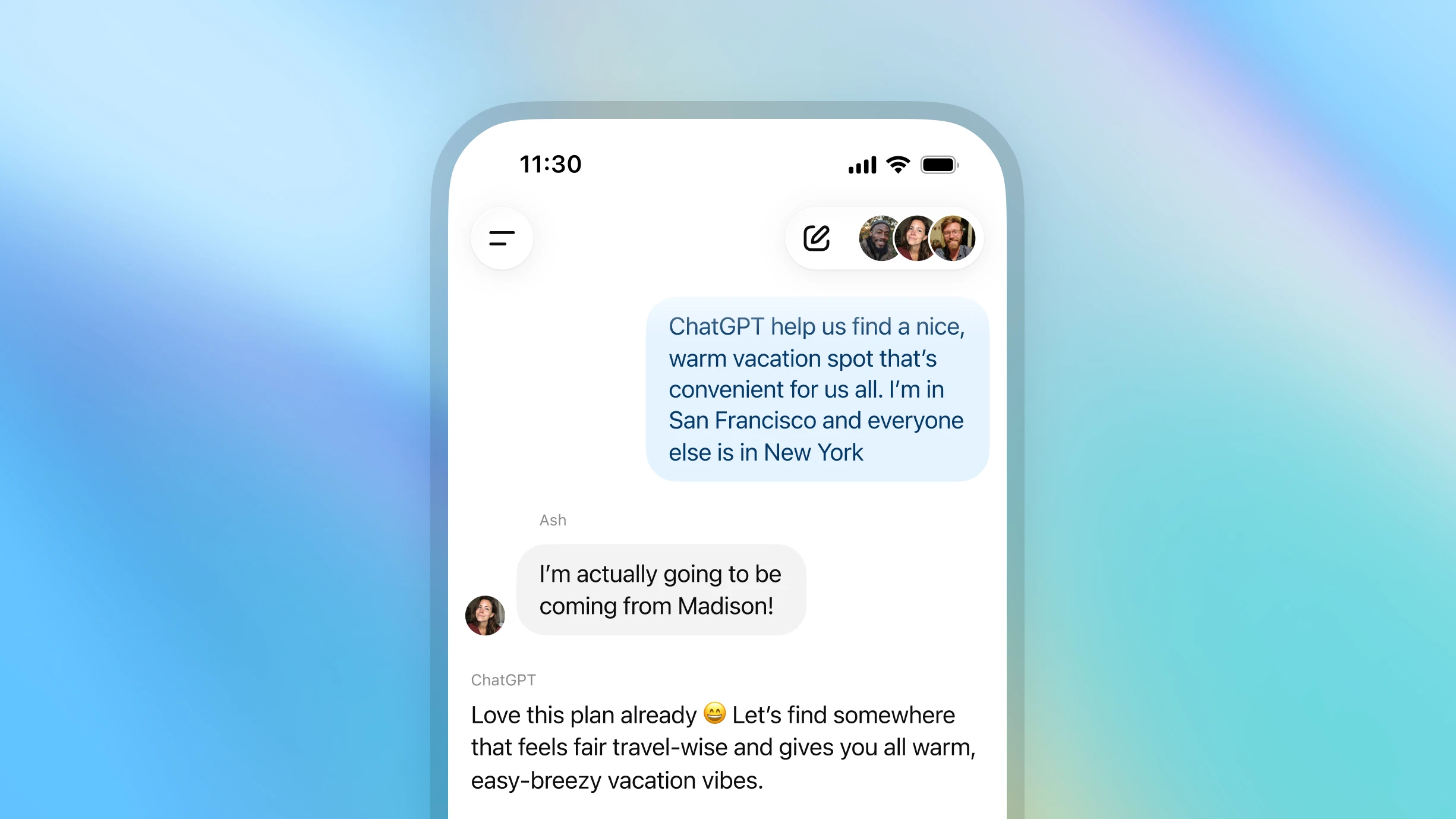
How to start a group chat

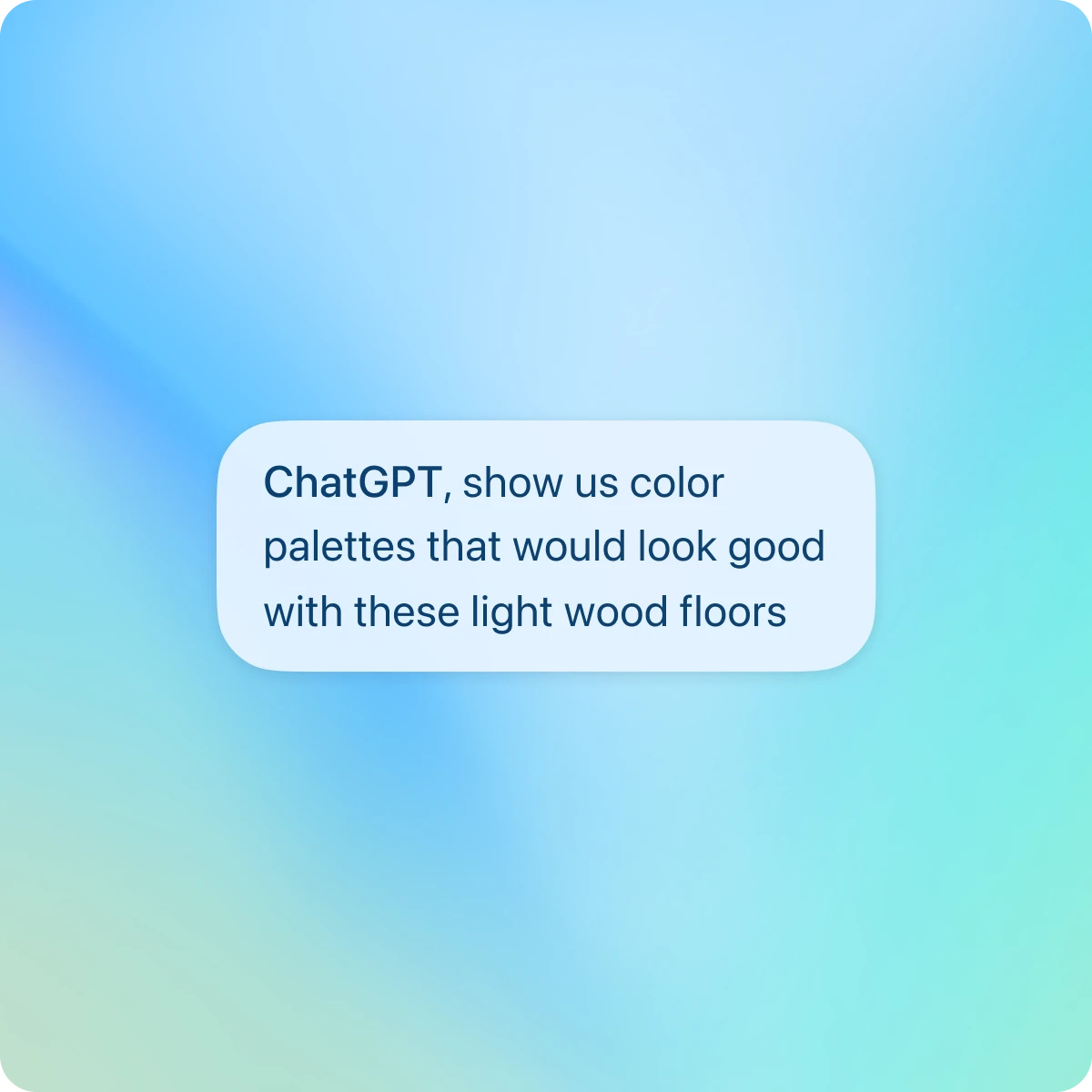

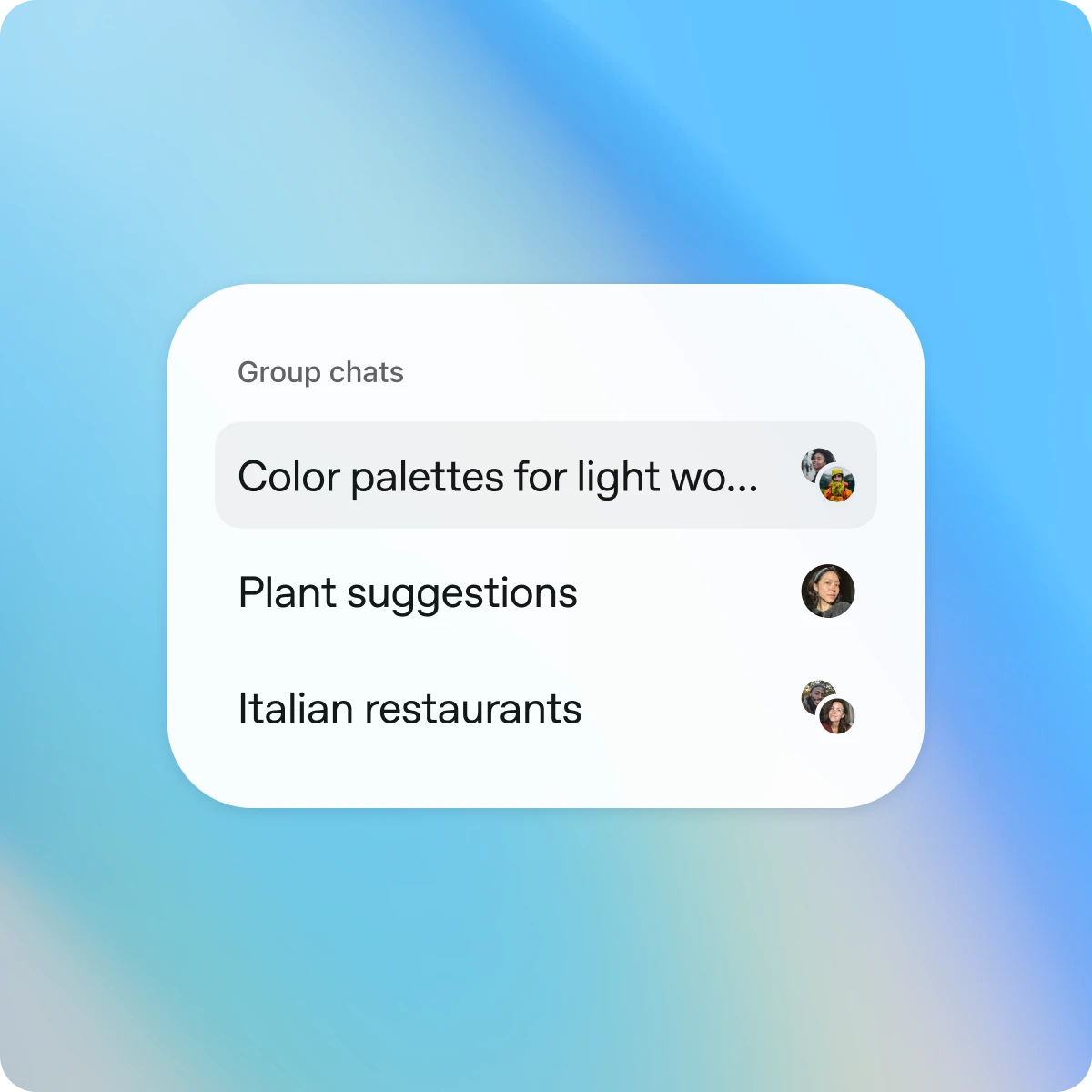
Open ChatGPT and tap the people icon in the top right of a new or existing chat.

Designed for shared conversations
Separate by design
Group chats are separate from your individual conversations. Your personal ChatGPT memory is never shared or used in group chats.
Simple and intuitive
Group chats work just like your regular conversations—only now, others can join, too. They support search, file upload, image generation, and dictation.
You’re in control
Join by invitation only. You can see who’s in the chat, add or remove participants (except the creator), or leave anytime.
More ways to collaborate
See it in action
Explore more
- Talk it out with voice
Talk to ChatGPT hands-free to brainstorm ideas, get step-by-step help, or use your camera to walk through problems in real time.
- Deep research in ChatGPT
Assign ChatGPT a topic to research and receive a comprehensive report.
- Browse the web with Atlas
Use Atlas, our AI-powered browser, to summarize pages, compare products, analyze information, or take actions across the web.