Do more with Canva in ChatGPT
Create, preview, and edit Canva designs directly in your ChatGPT conversations. Go from an idea to a ready-to-share presentation or post—all in one flow.
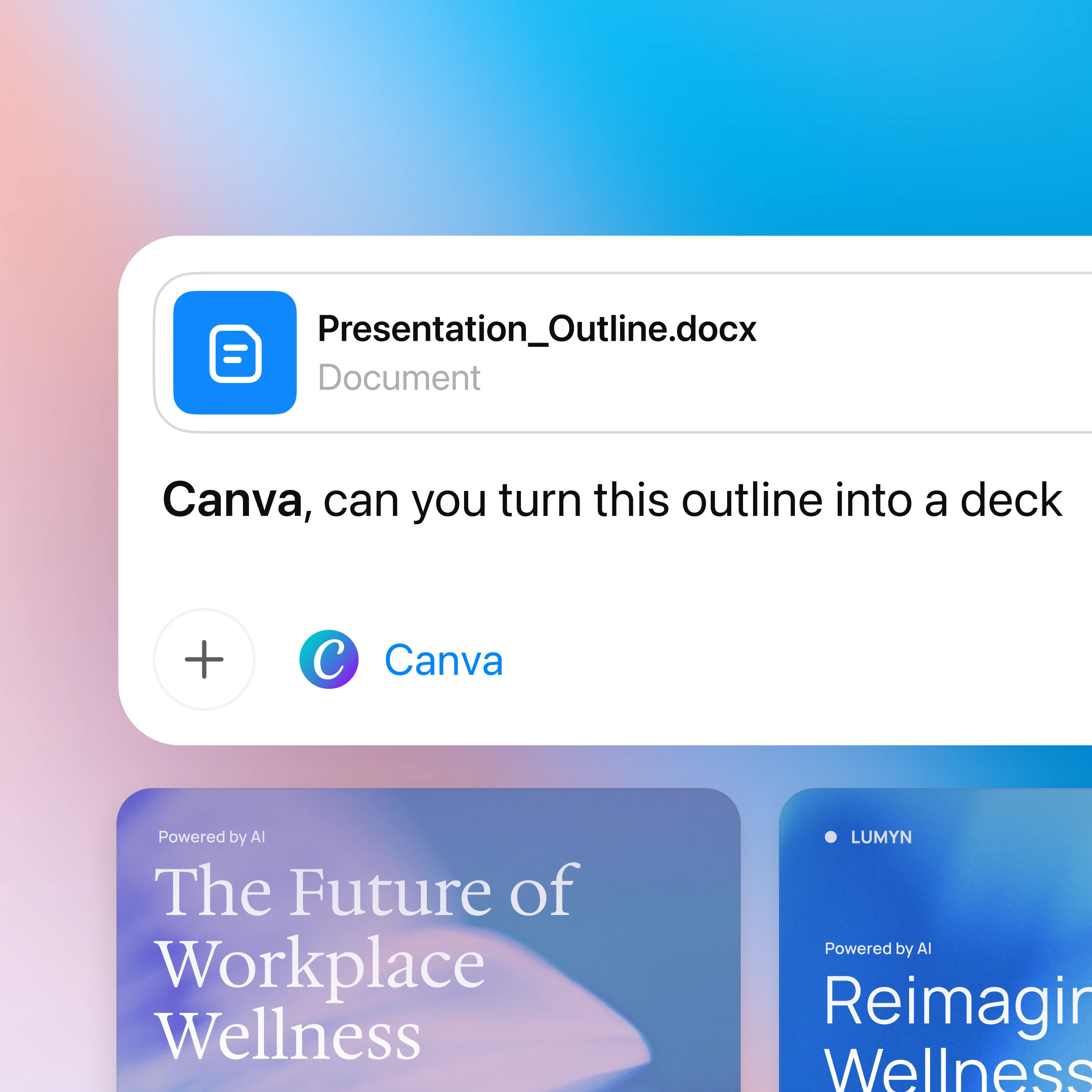
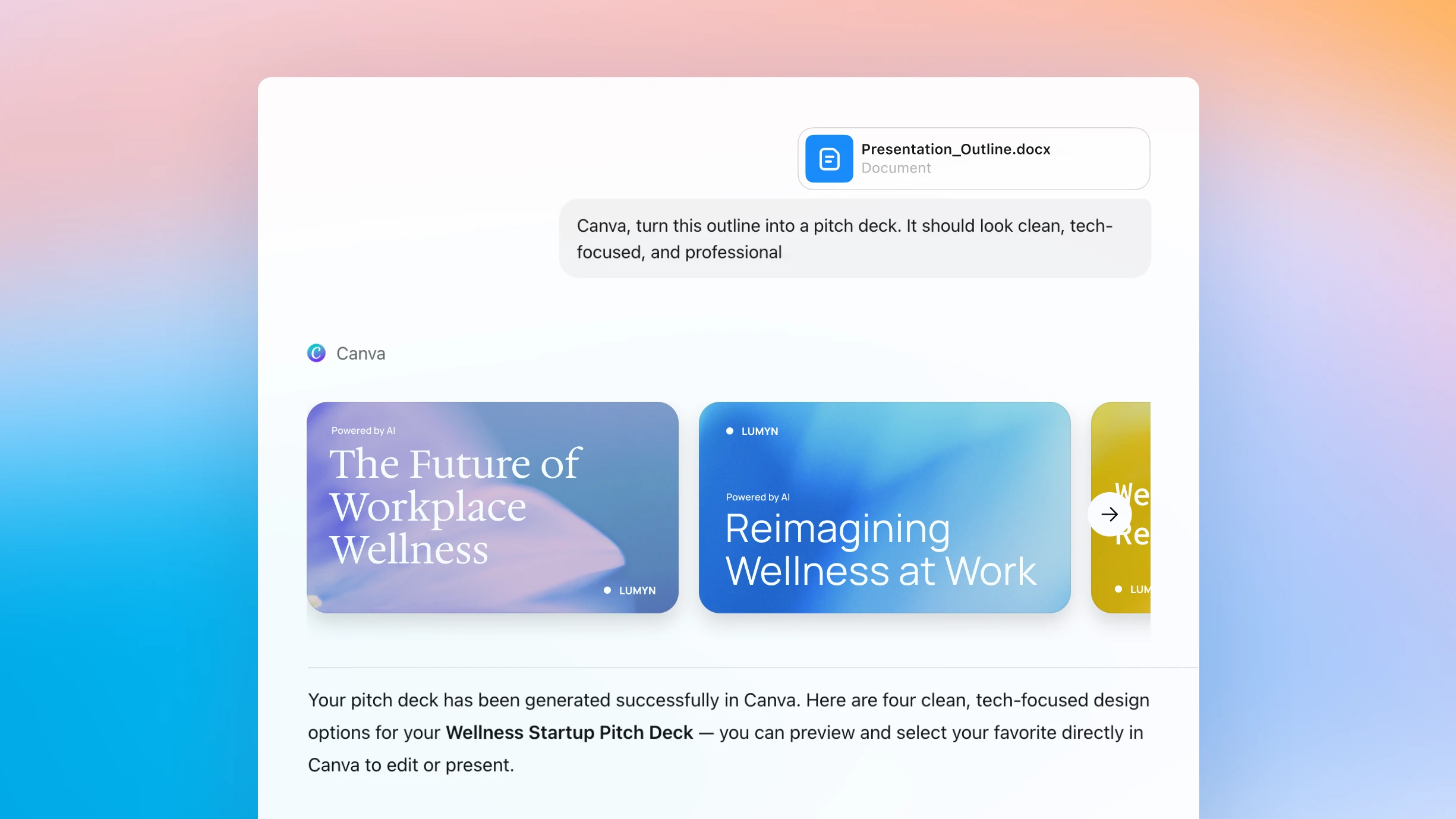
How to use ChatGPT with Canva
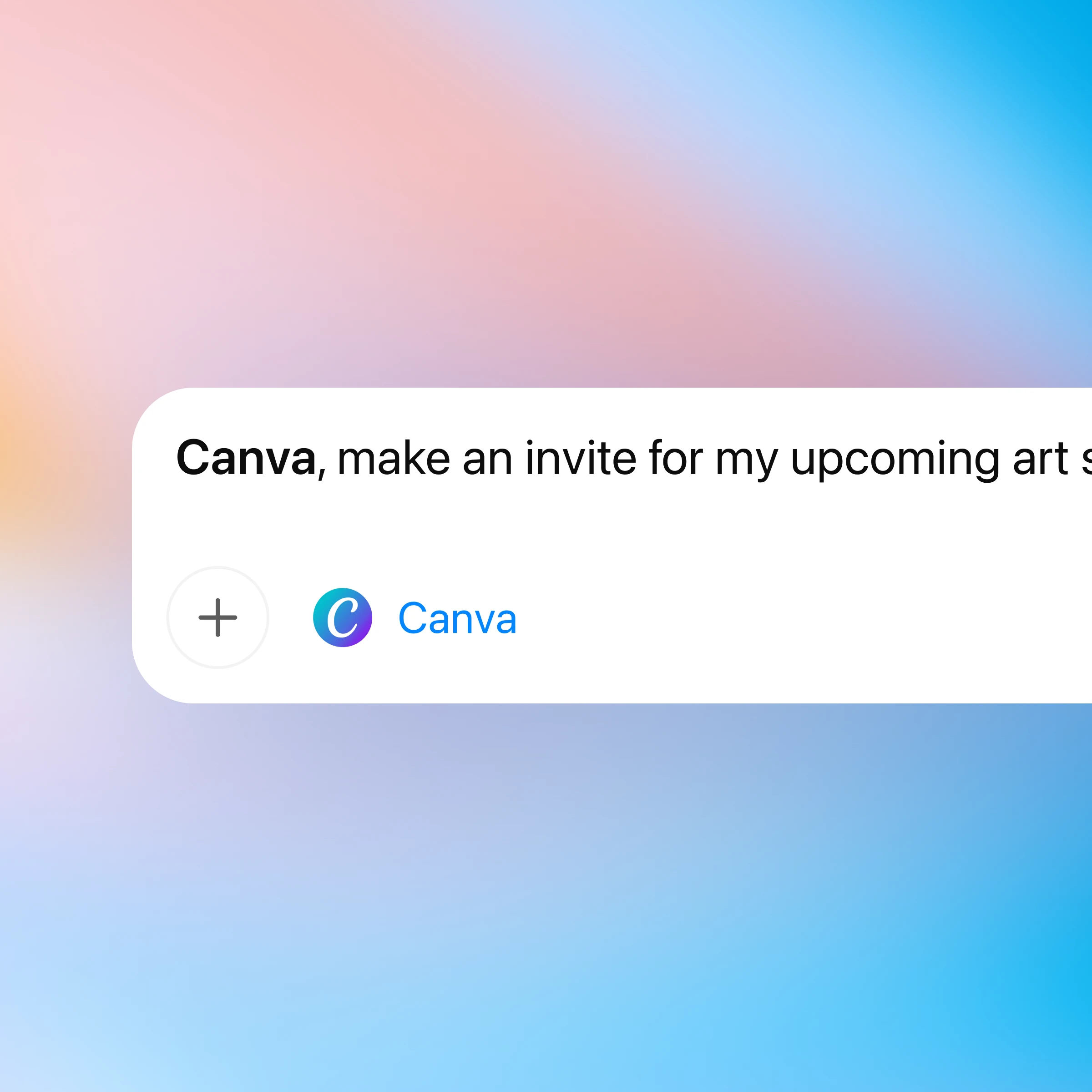
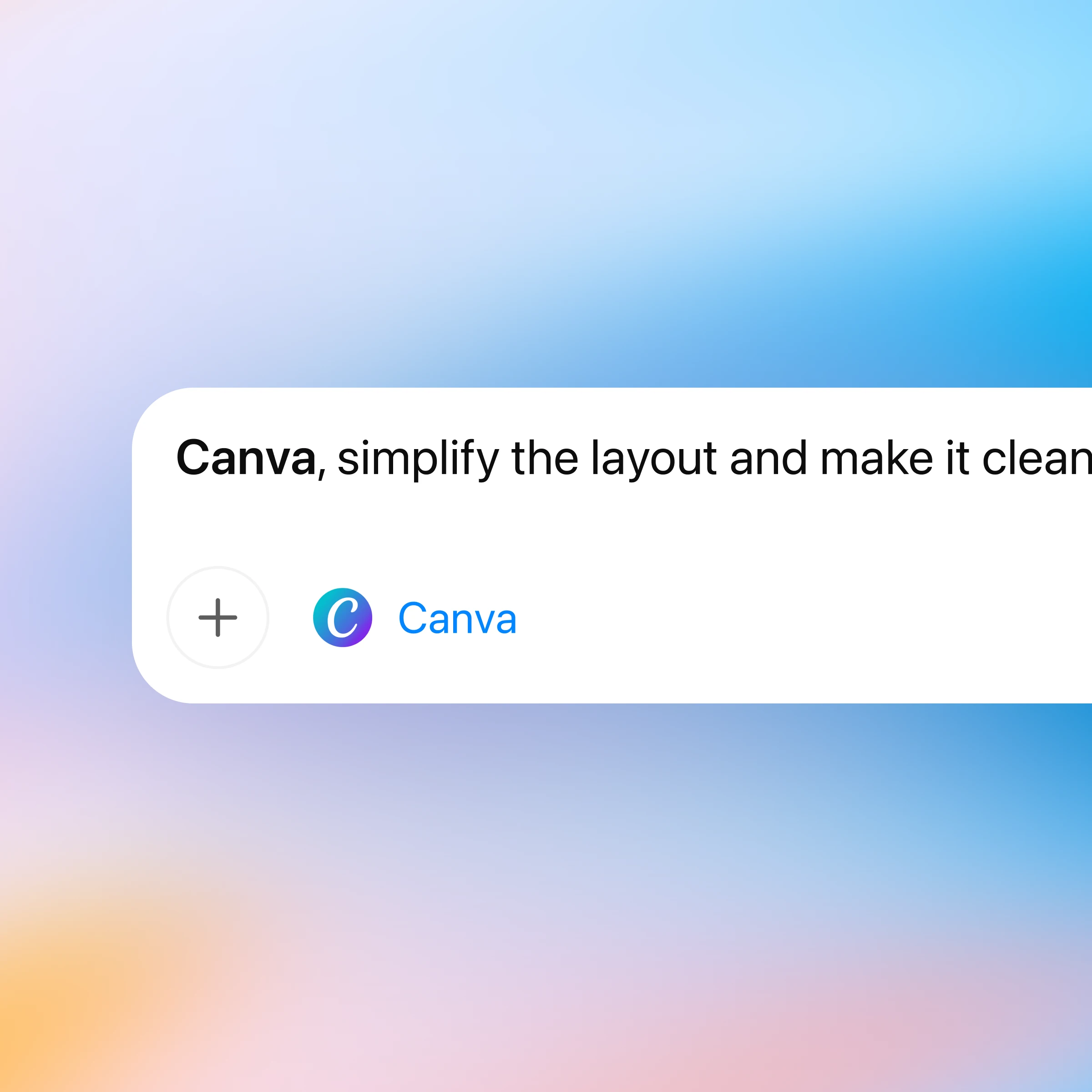
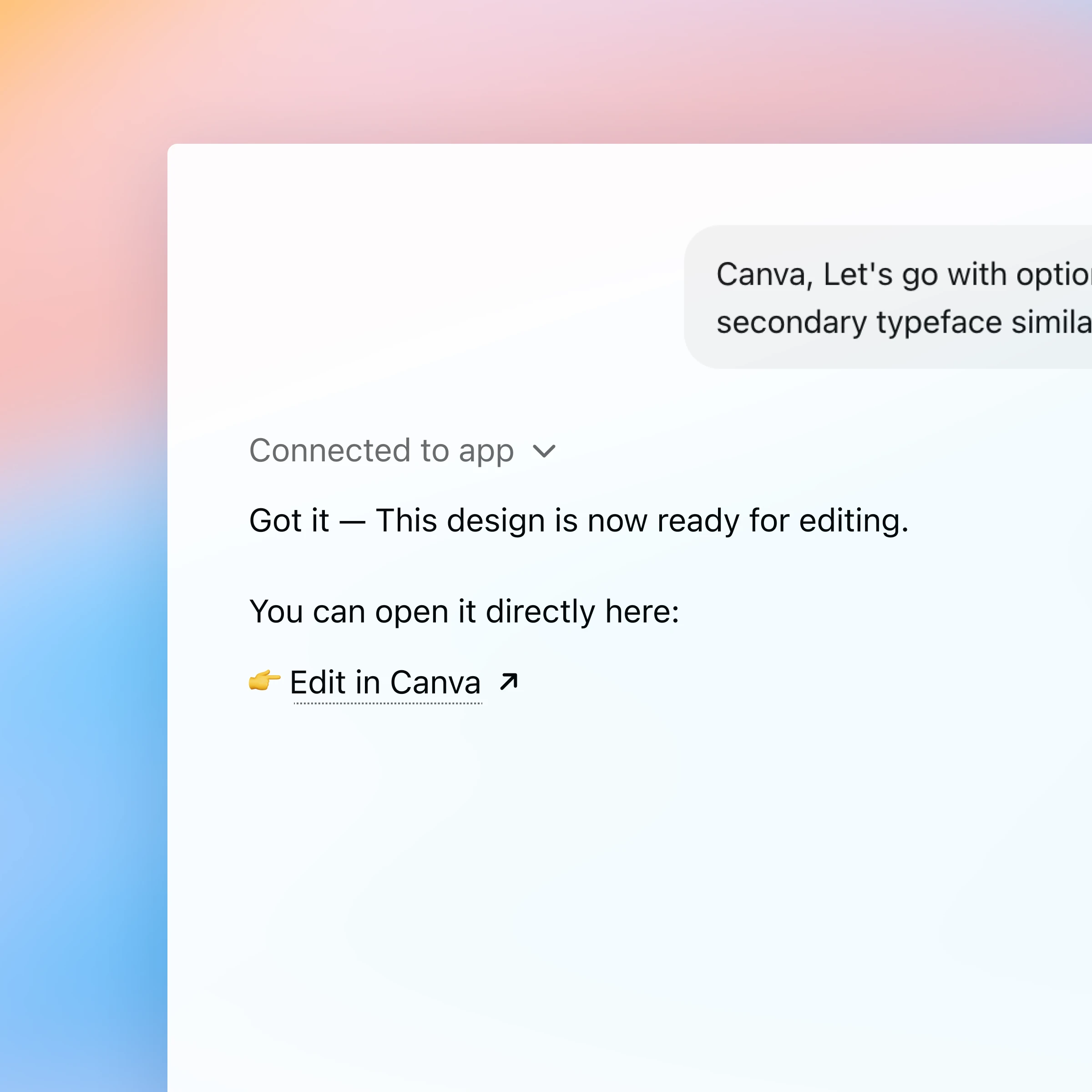
First, make sure you are logged in to ChatGPT. When you first mention Canva in chat, ChatGPT will prompt you to connect your Canva account so you can start designing right away.
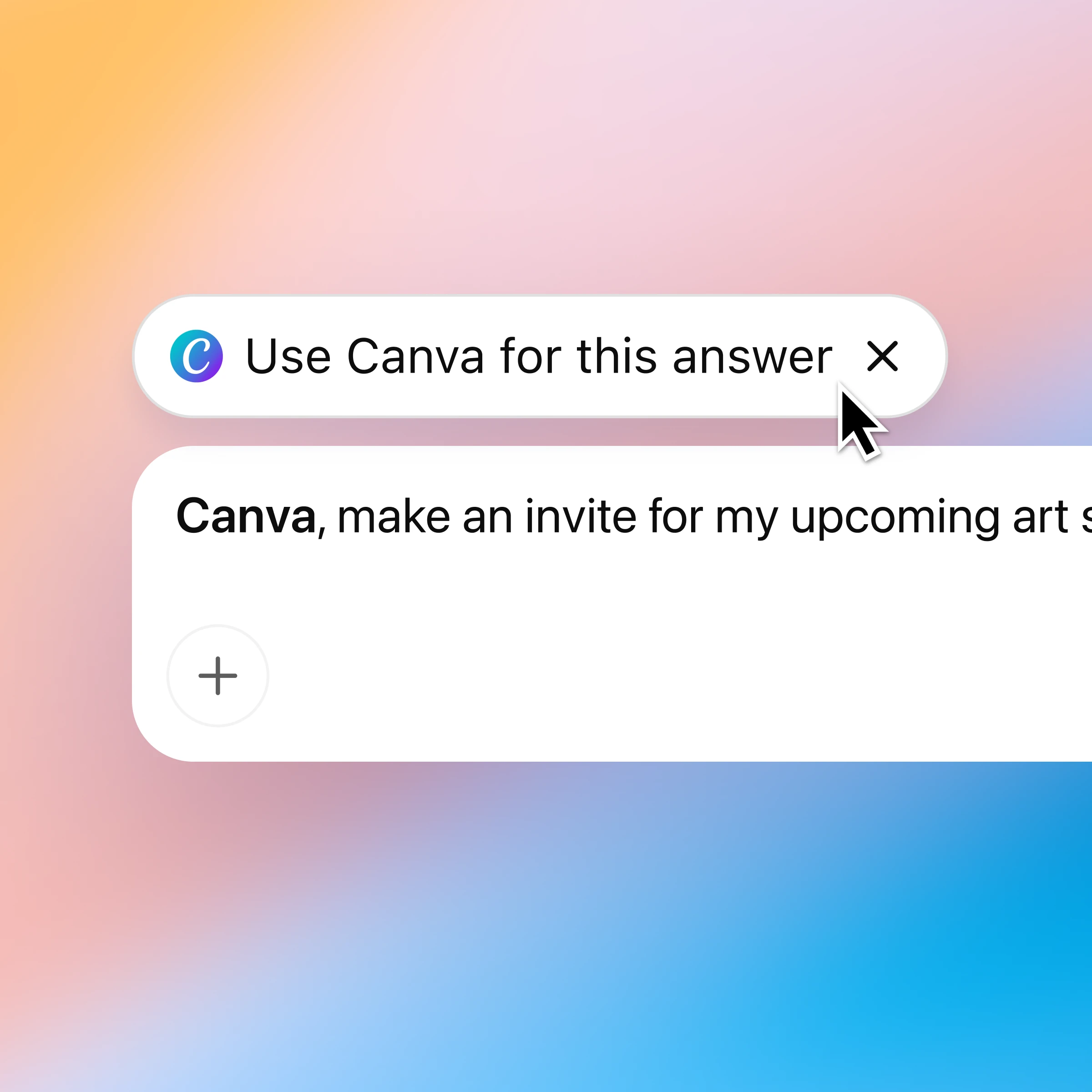
Chat with Canva and turn ideas into designs
Effortless creative development
Turn ideas into polished designs. From pitch decks to social posts, ChatGPT and Canva help you move from first draft to finished visuals faster.
Build designs straight from briefs
Upload outlines or reference earlier chats. Canva uses your content and context to create designs that stay on message.
Seamless content transformation
Translate, resize, or rework designs without starting over — all while keeping your original layout and style intact.
More ways to chat with Canva
More ways to use ChatGPT
- Use Spotify in ChatGPT
Learn how to connect Spotify to ChatGPT so you can ask for songs, get personalized playlists, and discover music without leaving the chat.
- Chat with PDFs
Upload your PDFs to ChatGPT and get help analyzing and summarizing big documents, so you can get the information you need quickly.
- Recipes and cooking with ChatGPT
Tap into ready-made chats for pantry meals, budget cooking, meal prep, substitutions, and fast, reliable recipe help.