Use ChatGPT with PDFs
From legal contracts to research papers to user manuals, ChatGPT can help you navigate big documents, understand the content, and get the information you need quickly. Just upload any PDF to ChatGPT and start asking questions.
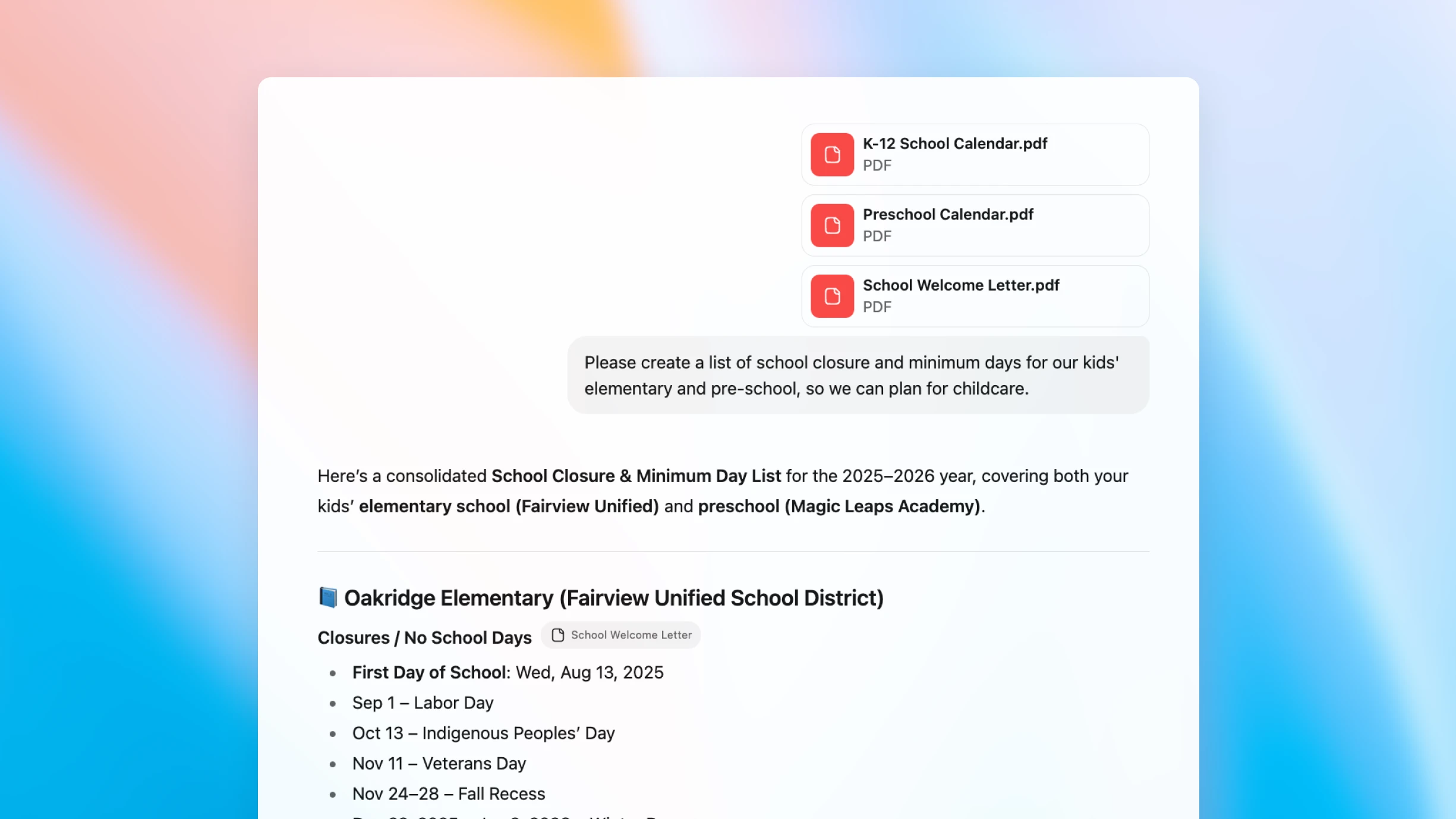
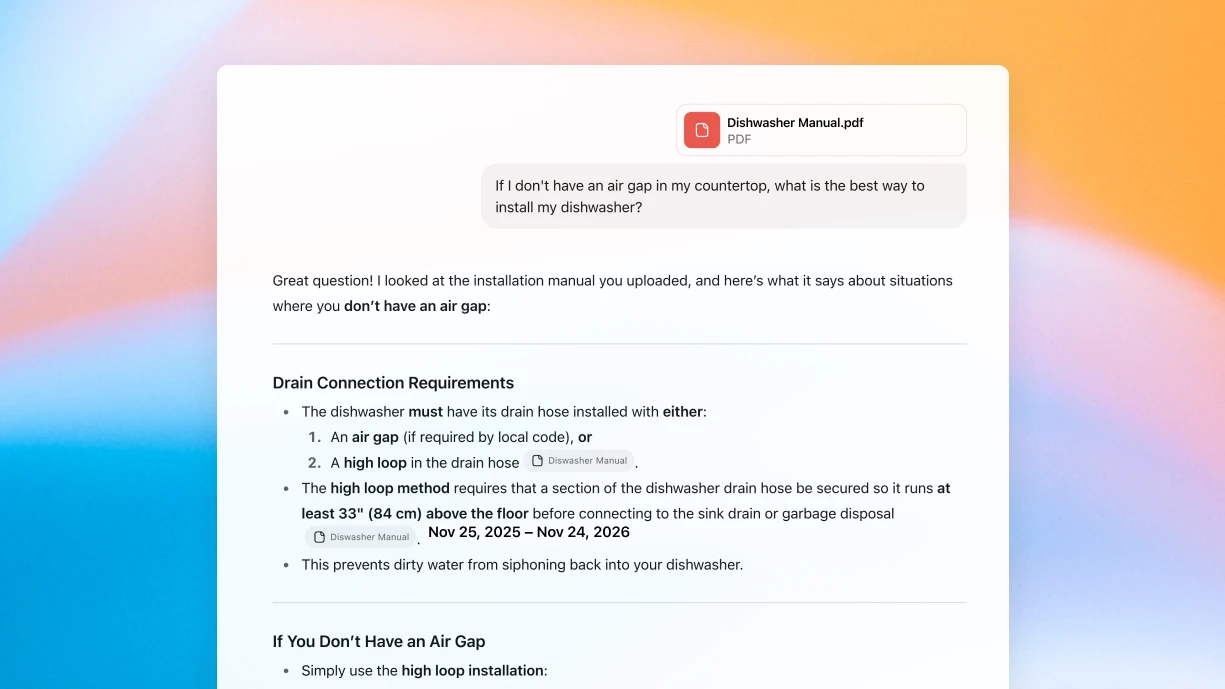
Chat with any PDF and get answers instantly
Smarter than search
ChatGPT doesn’t just search PDFs — it reads and understands them so it can answer your questions based on its knowledge of the content.
Natural conversation
From quick insights to in-depth analysis, ChatGPT is a knowledgeable partner that can help you summarize, clarify, analyze, and refine through conversation.
Seamless integration
PDFs are just one part of your workflow: ChatGPT can cross-reference across formats and connect with emails, notes, spreadsheets, and more.
How to use ChatGPT with your PDF
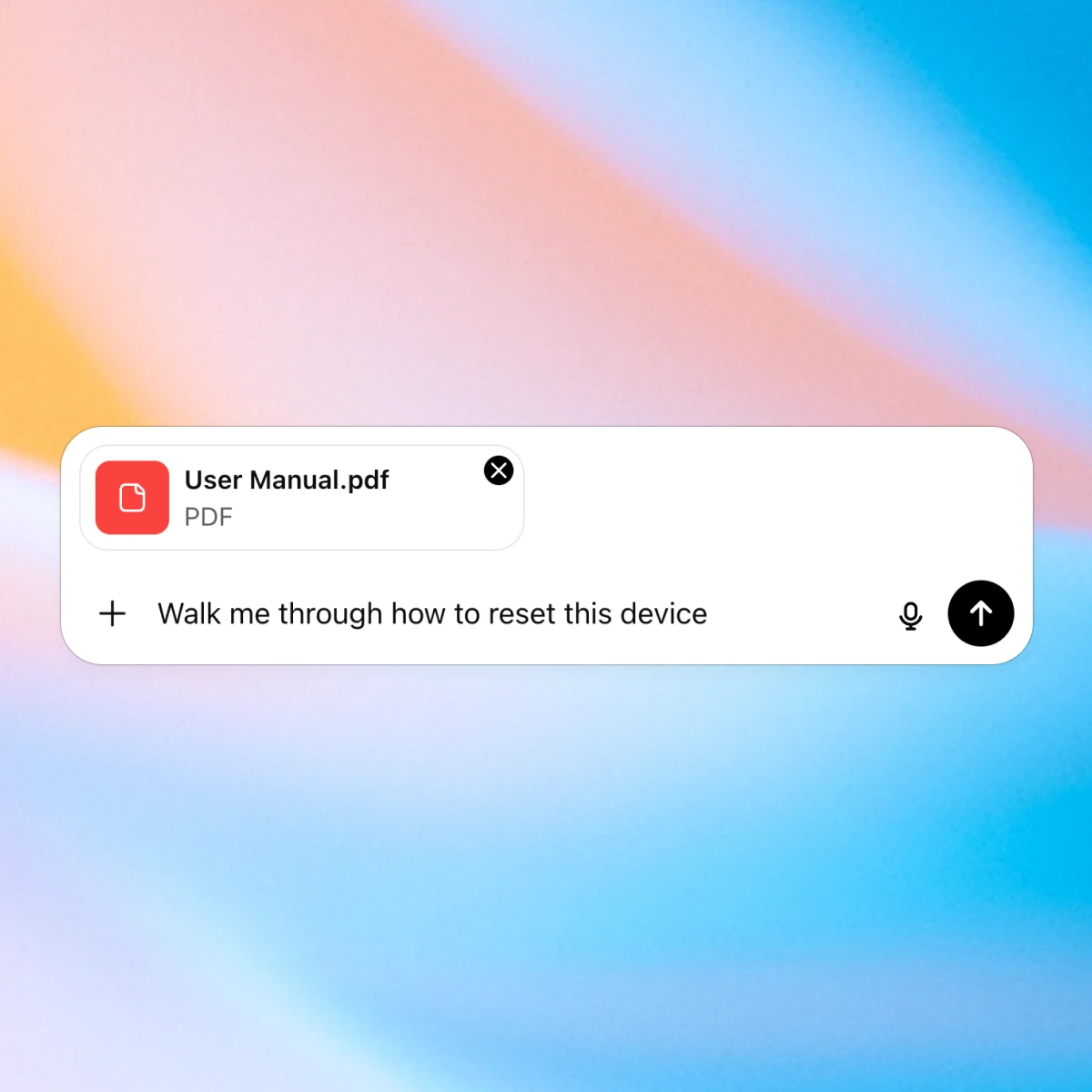
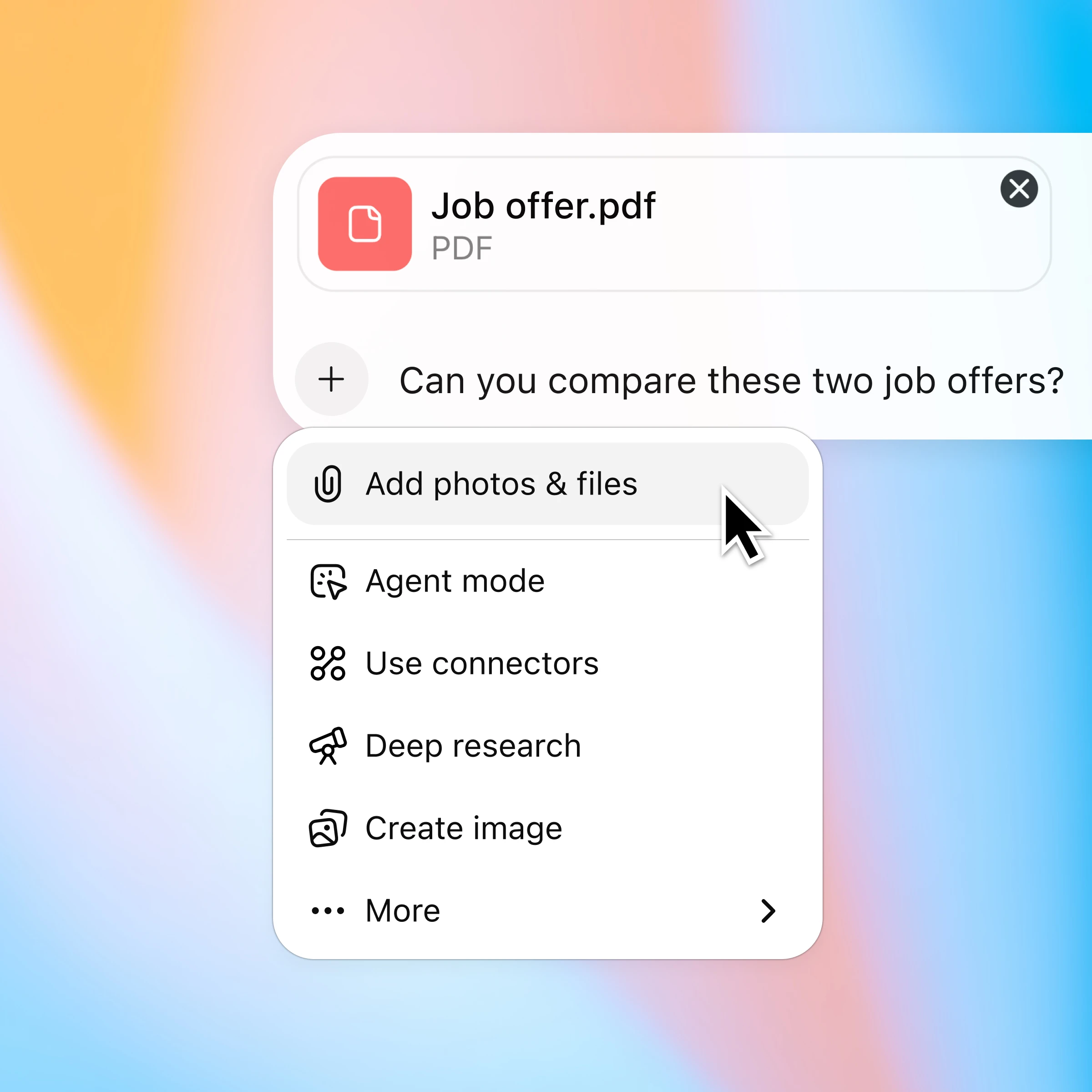
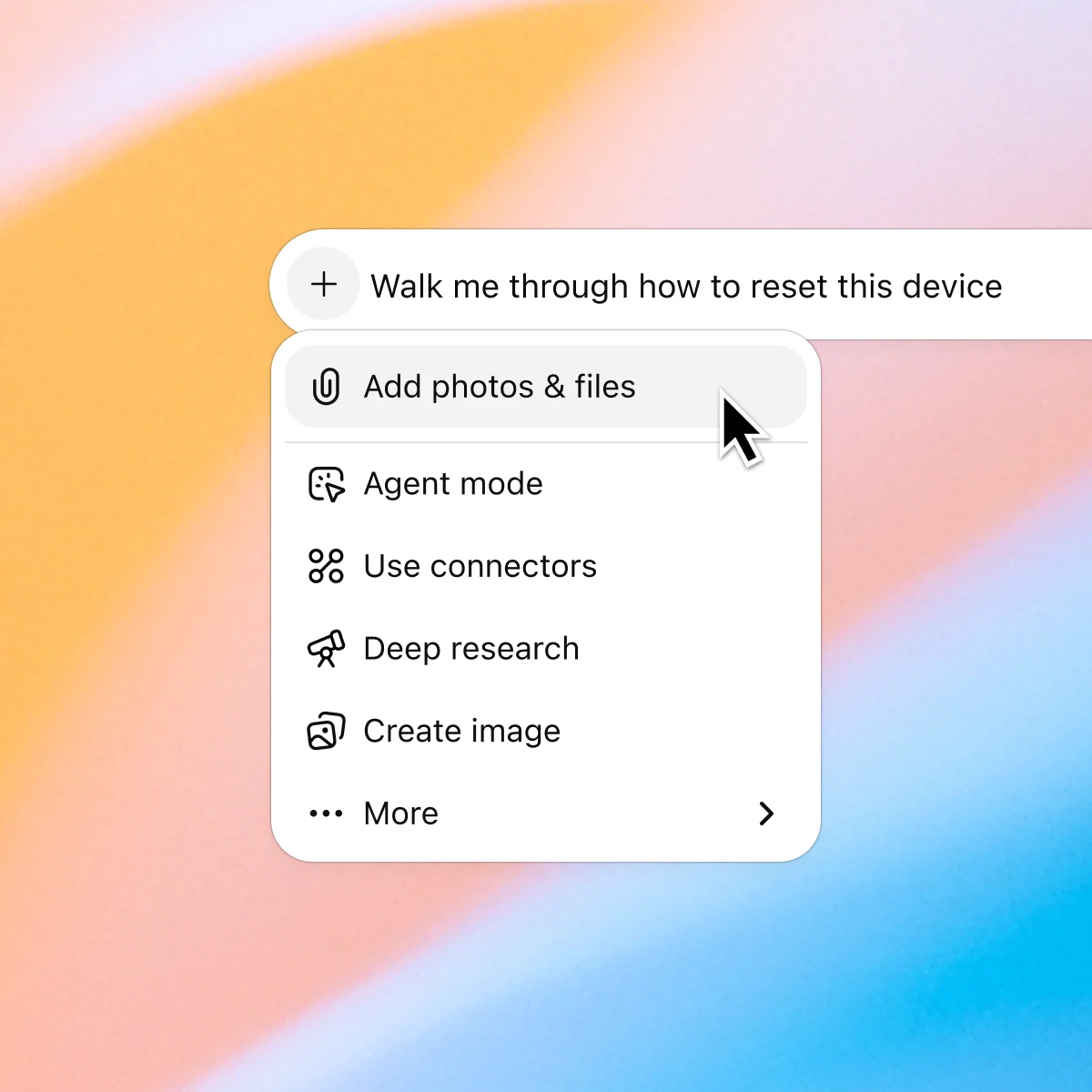
Click the ‘+’ and select ‘Add photos & files’ and choose the PDF(s) you want to discuss.
More ways to chat with PDFs
More ways to use ChatGPT
- Chat with presentations
Turn presentations into a two-way dialogue, getting fast answers, clearer messaging, and better visuals just by uploading your deck and asking.
- Chat with spreadsheets
Understand data faster, fix formulas confidently, and turn raw numbers into clear insights and templates.
- Browse the web with Atlas
Use Atlas, our AI-powered browser, to summarize pages, compare products, analyze information, or take actions across the web.